
TradesMate: Jobs, Quotes & Invoices
Keep the commercial side of every job together, from the first customer call and appointment to the quote, invoice, payment, cost, and final profit.
Developed by FullStack Dev KZ
FullStack Dev KZ developed the TradesMate Android application, FastAPI backend, business data model, authentication and team access, subscription integration, reminders, document workflows, and dedicated product website.
One operational record from enquiry to payment
TradesMate connects the parts of a working day that otherwise end up split between calendars, contacts, documents, messages, and spreadsheets.
Jobs stay visible
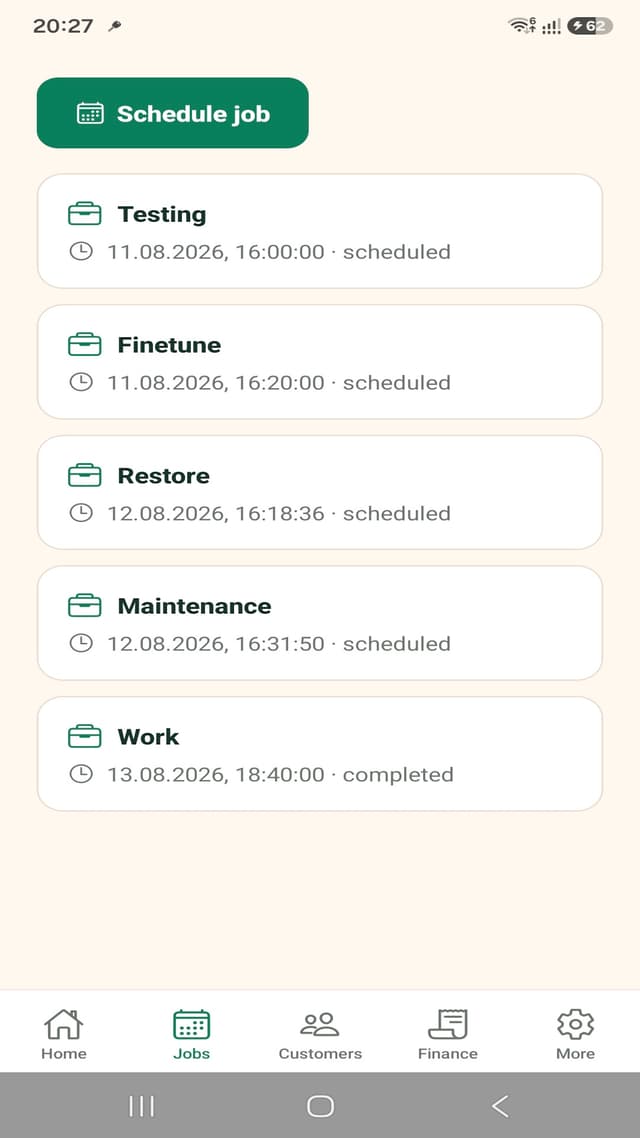
Schedule work, attach customers, follow status, and keep the next appointments close at hand.
Customer details in context
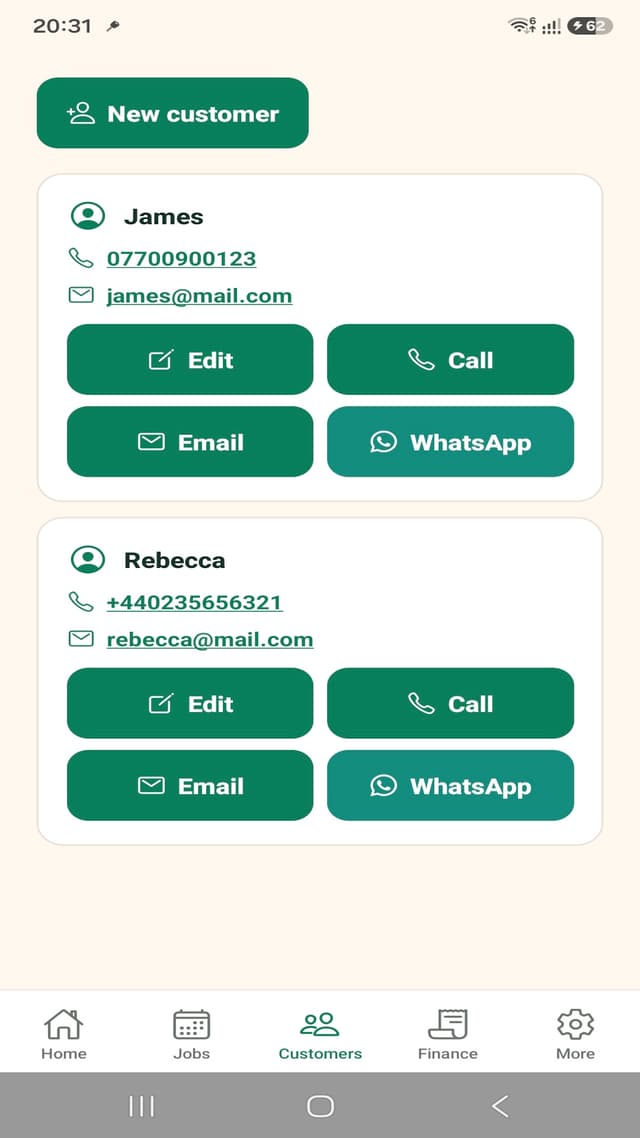
Keep the contact record beside the work and reach customers by phone, email, or WhatsApp.
Quotes become invoices
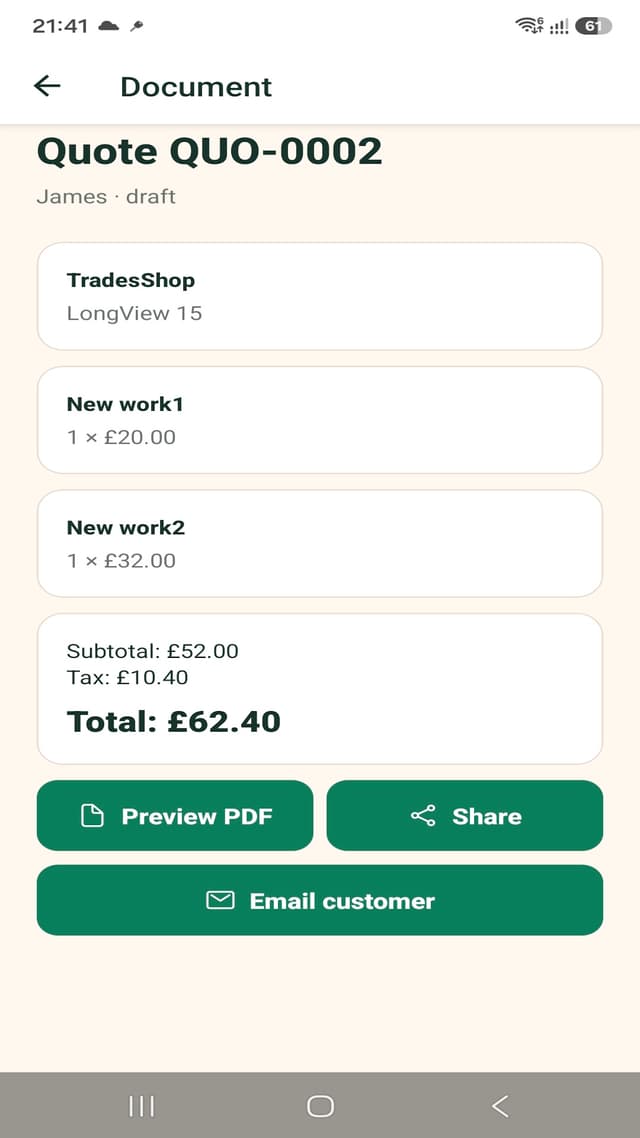
Prepare itemised documents with tax and totals, then follow payment and outstanding balances.
Costs meet revenue
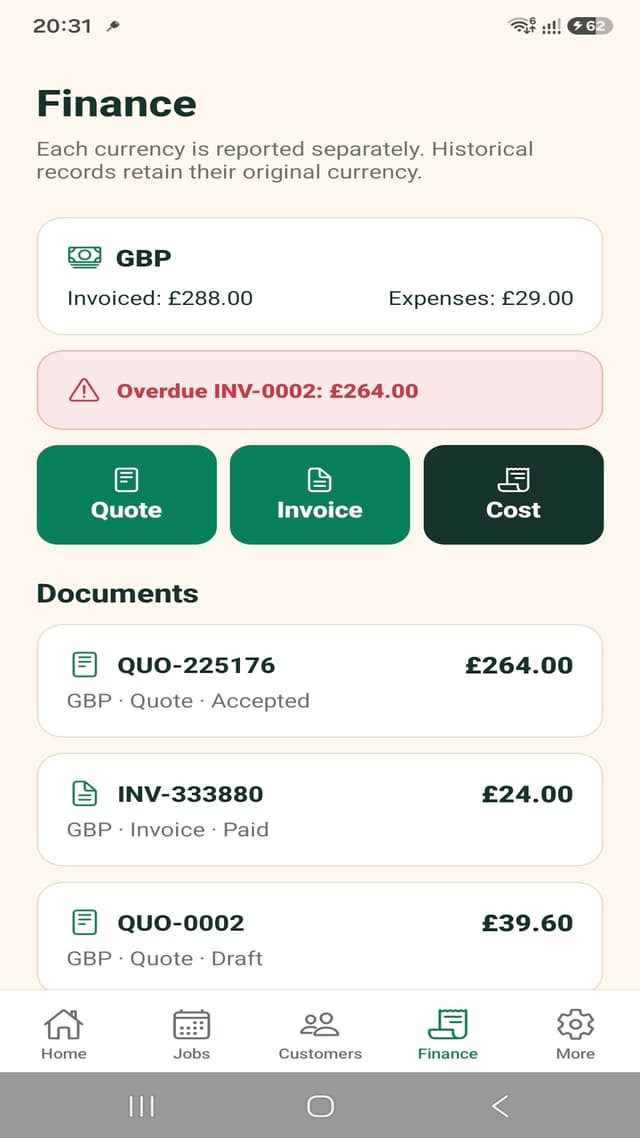
Record job-linked expenses and review invoiced, paid, outstanding, and profit totals by currency.
A focused sales surface for working tradespeople
The product website explains the practical value before sending visitors to Google Play or a guided walkthrough.
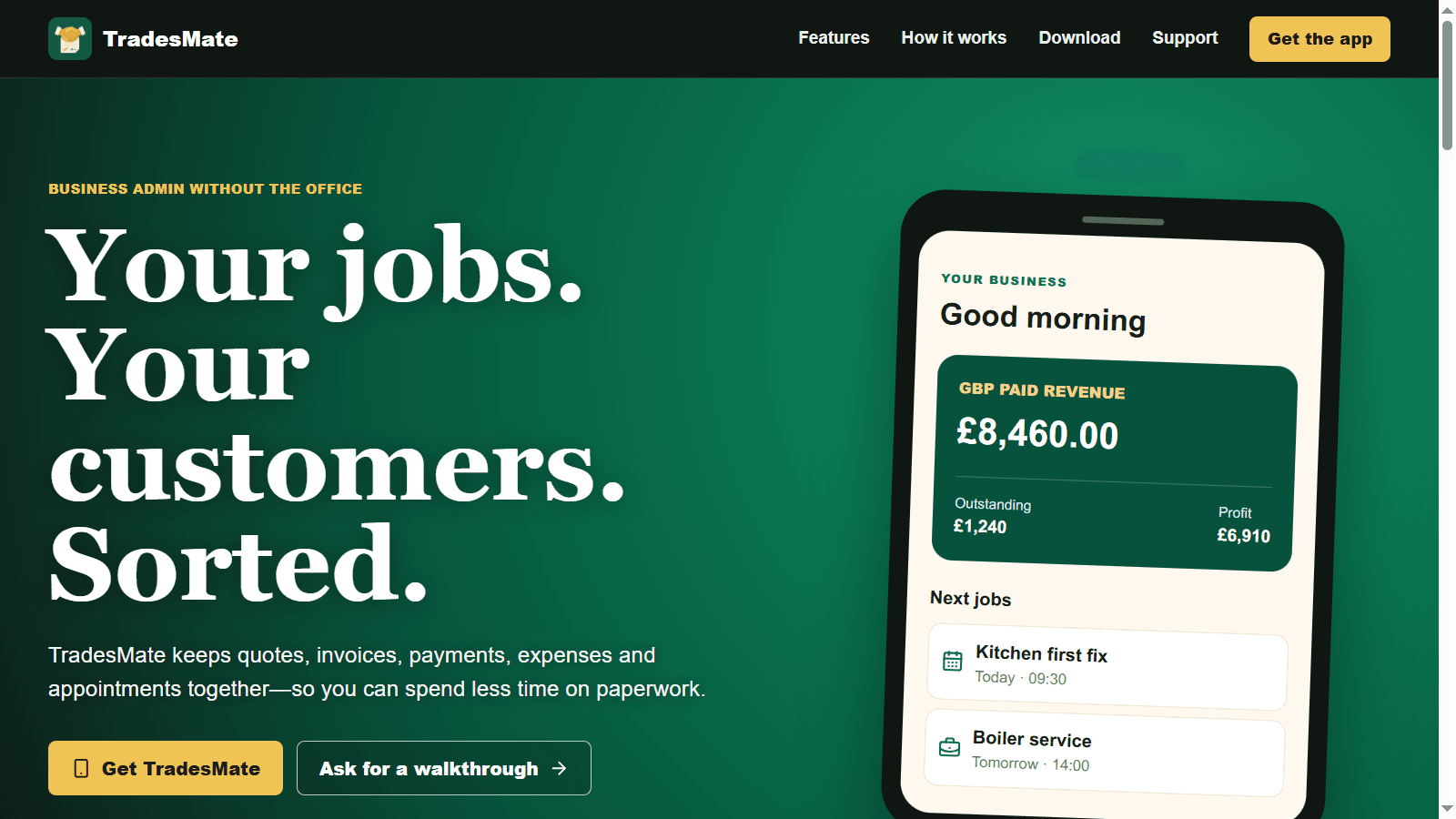
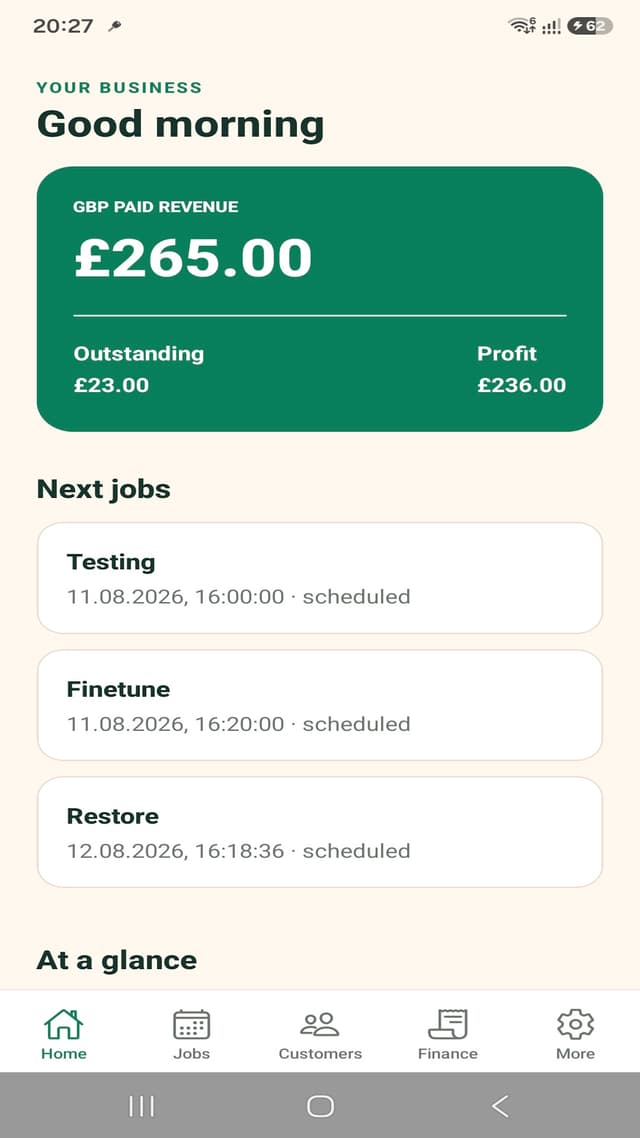
The working day fits in one connected navigation
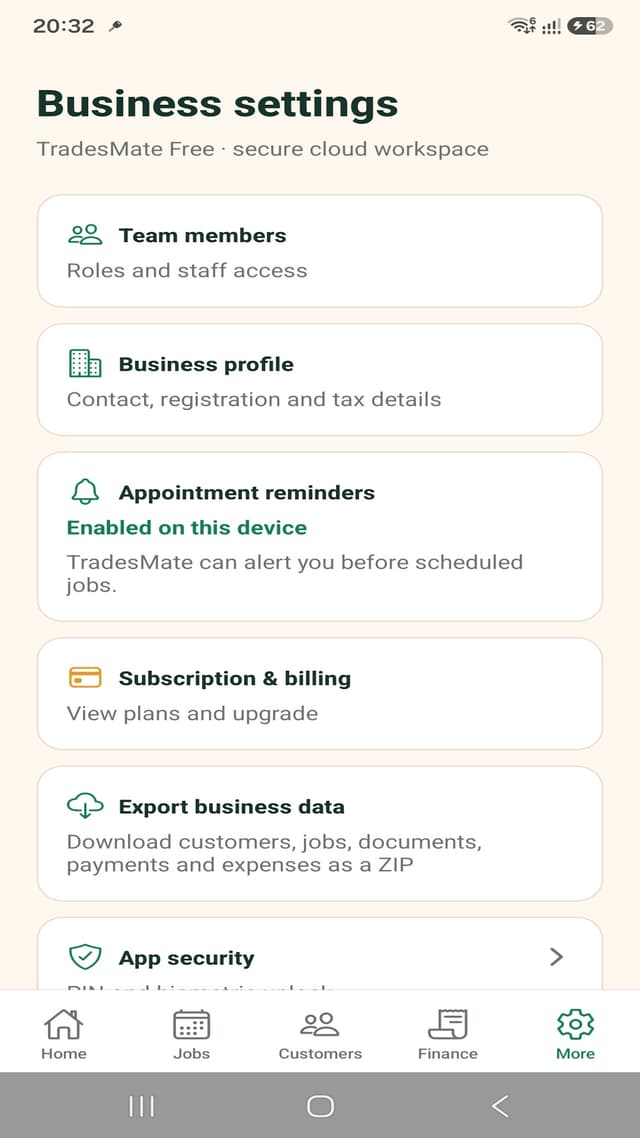
The screens follow the operational story rather than acting as a gallery: review the business, schedule work, contact customers, manage finance, send documents, and control the workspace.
Each step builds on the last
Customer, job, document, payment, and cost records stay connected, reducing repeated entry and making financial status easier to understand.
- 1
Create the business account and add the customer who requested the work.
- 2
Schedule the job with its date, status, address, assignee, and reminder.
- 3
Prepare a quote with line items, tax, currency, notes, and a calculated total.
- 4
Convert approved work into an invoice and record payments as they arrive.
- 5
Capture costs and review paid revenue, outstanding balances, overdue invoices, and profit.
Android, API, data, and subscriptions
TradesMate is a live full-stack product with secure accounts and operational data rather than a standalone interface prototype.
- Android
- Expo, React Native, TypeScript, secure token storage, and push reminders
- Backend
- FastAPI, SQLAlchemy, PostgreSQL, authentication, and business-scoped records
- Commerce
- RevenueCat entitlement management with Google Play billing
- Data care
- HTTPS transport, hashed passwords, protected mobile credentials, and account deletion support
What TradesMate is designed to handle
The product stays focused on the commercial workflow around practical service work.
Who is TradesMate for?
TradesMate is designed for independent tradespeople and small service teams that manage customers, appointments, quotes, invoices, payments, and costs.
Can it manage more than one currency?
Yes. GBP, USD, and EUR records are reported separately so historical documents keep their original currency.
Can staff members use the business account?
The connected service includes a team directory and owner or admin workflows for creating team members and assigning work.
Is TradesMate only an invoice app?
No. Invoicing is part of a wider job workflow that also includes customers, scheduling, quotes, expenses, payments, reminders, and business reporting.
Building connected software for real business operations
TradesMate shows how customer records, jobs, scheduling, quotes, invoices, costs, payments, subscriptions, and reporting can become one mobile workflow backed by secure application services.
Build an app around a real business workflow
See how to choose between internal, customer-facing, mobile companion, and SaaS product shapes.
Explore the business app guideConnect records that have outgrown separate files
Compare keeping spreadsheets, improving existing tools, and building purpose-made operational software.
Explore the spreadsheet workflow guideTake the product path to pricing, support, and Google Play.
The dedicated TradesMate website is the product-sales destination. This FullStack Dev KZ page documents the connected product and engineering behind it.
Software for trades and service businesses
See how customer, job, schedule, document, payment, and mobile workflows fit together beyond the TradesMate product itself.
Explore the trades workflow guide