PubPlay: Pub Games Night System
Turn darts, pool, bingo, quizzes, and tournaments into organised weekly events. Staff run the night from one Android tablet while players join by QR code and follow the action live.
Engineered by FullStack Dev KZ
FullStack Dev KZ developed the authenticated Android host, QR-based player web application, public TV display, tournament and trivia logic, live event data, subscriptions, and shared backend services.
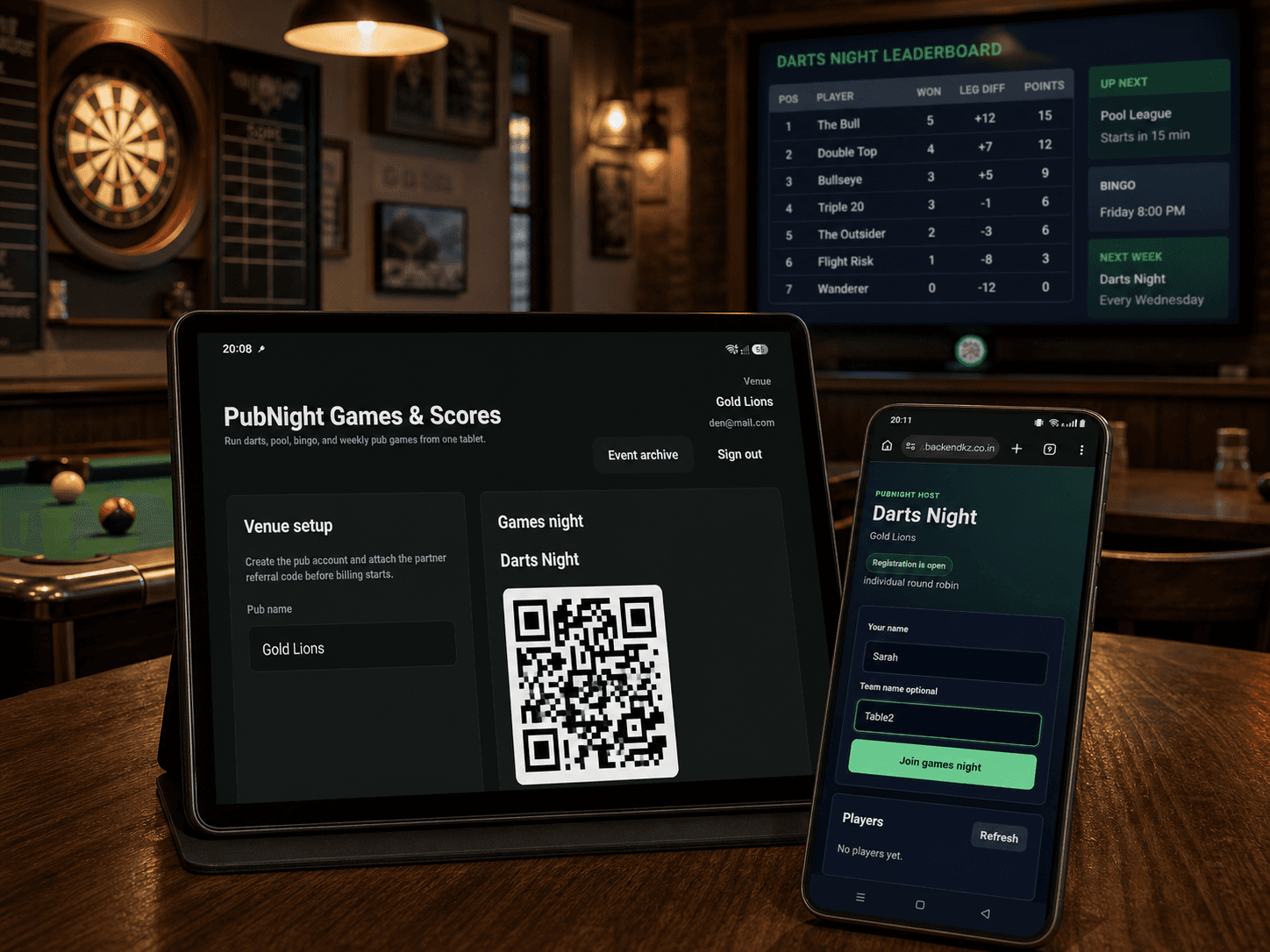
The host runs it. Players join it. The room follows it.
PubPlay separates each job onto the screen where it works best, while keeping the event data in sync.
Host tablet
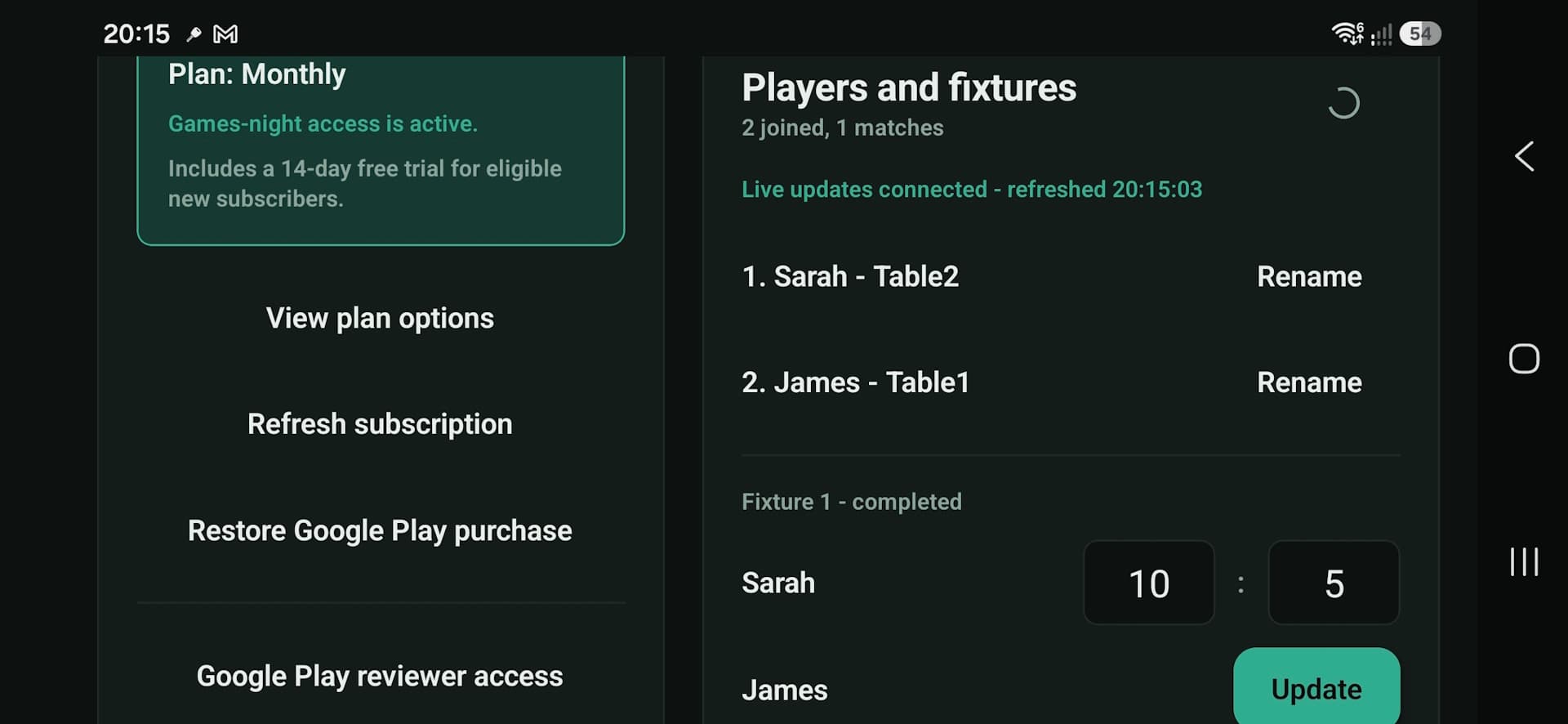
Staff create the event, confirm players, generate fixtures, enter official scores, and archive completed nights.
Player web app
Customers scan a QR code, enter a name or team, and join in their browser. No download or player account is required.
Live TV display
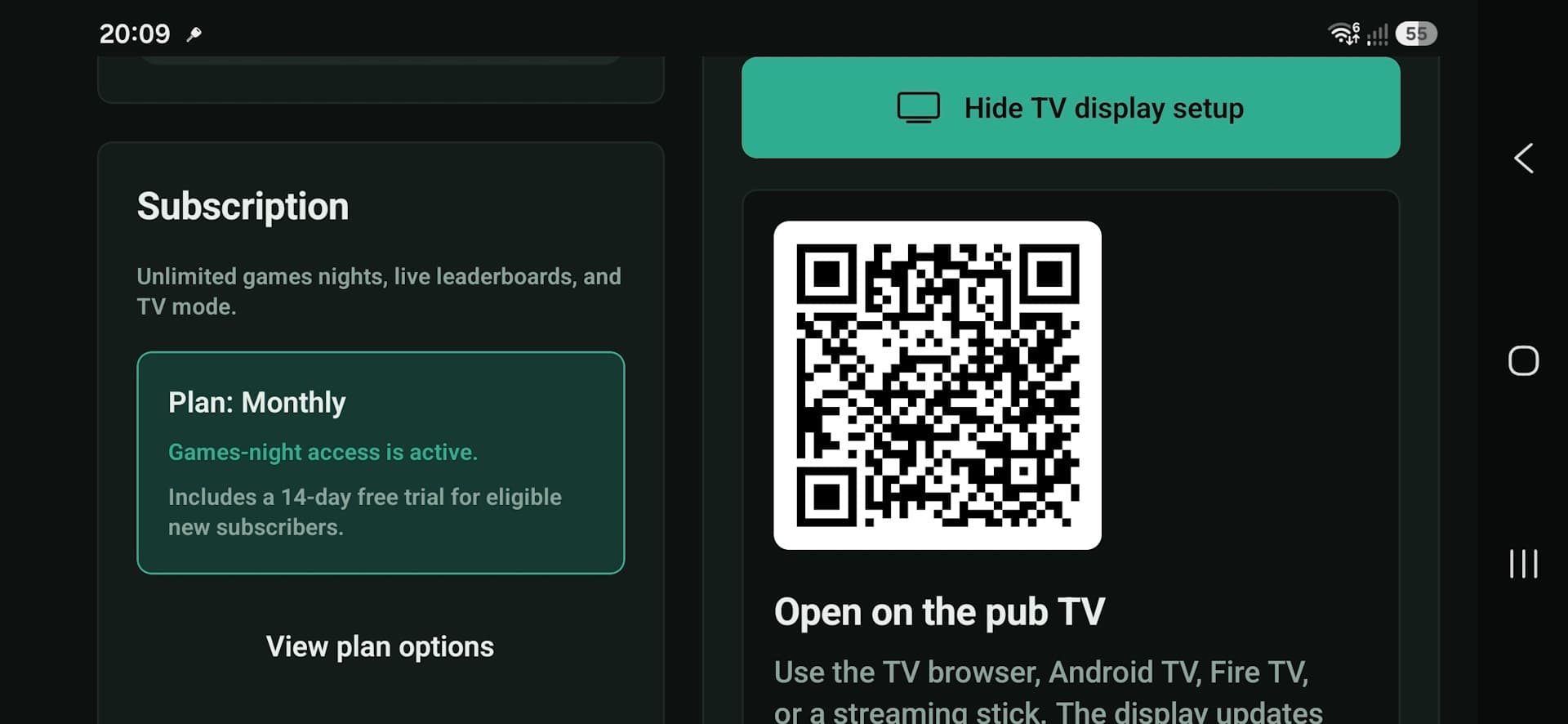
The pub screen automatically shows the join code, upcoming fixtures, latest results, and current standings.
More than scoring software
The practical value is a smoother night for staff and a more visible, repeatable event for customers.
Bring structure to busy nights
Replace paper lists and improvised spreadsheets with one clear event flow that staff can follow.
Make joining effortless
A QR code gets customers into the event from their own phones without an installation queue.
Build a reason to return
Visible fixtures, winners, and archived results help turn a casual game into a repeat weekly event.
Keep the room involved
Live standings and the next fixture stay visible on the TV while the host keeps control on the tablet.
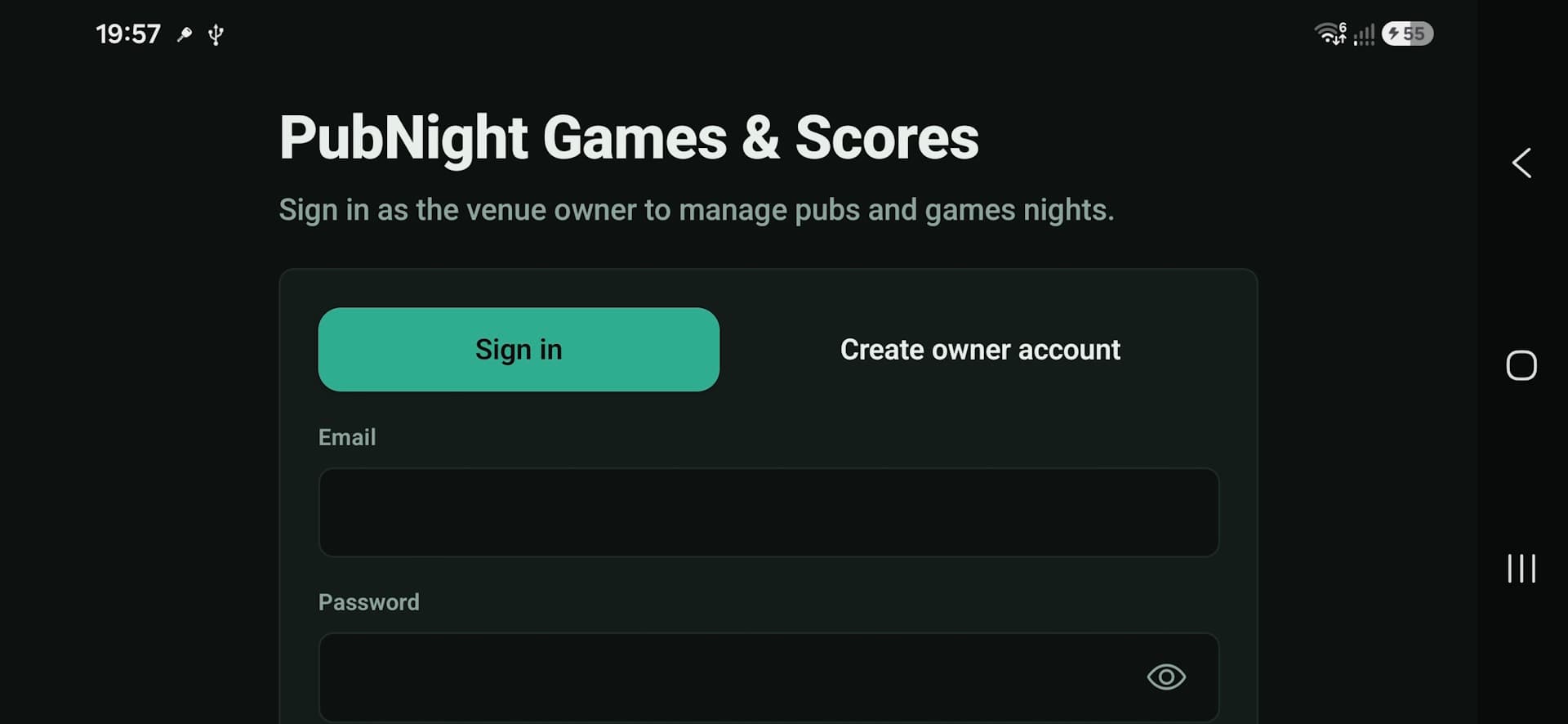
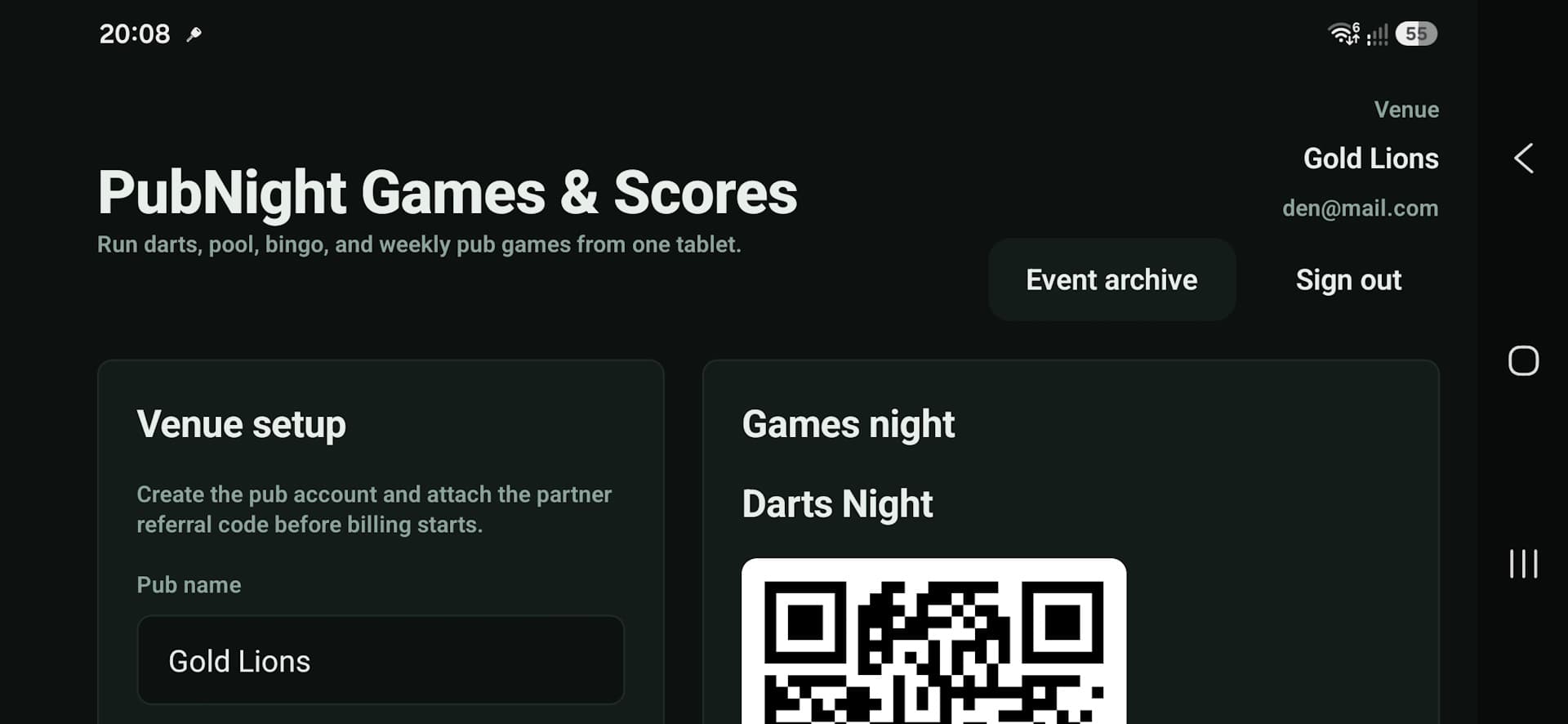
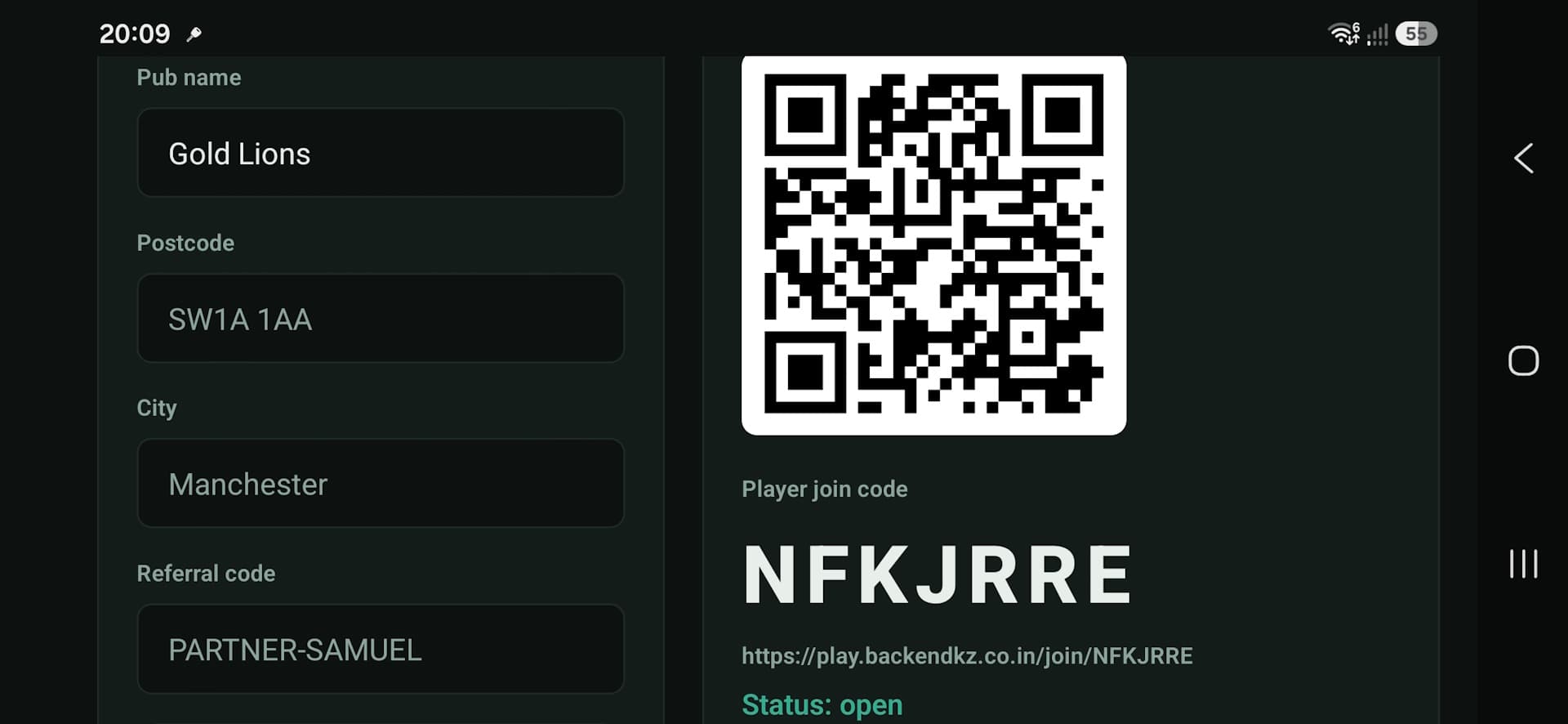
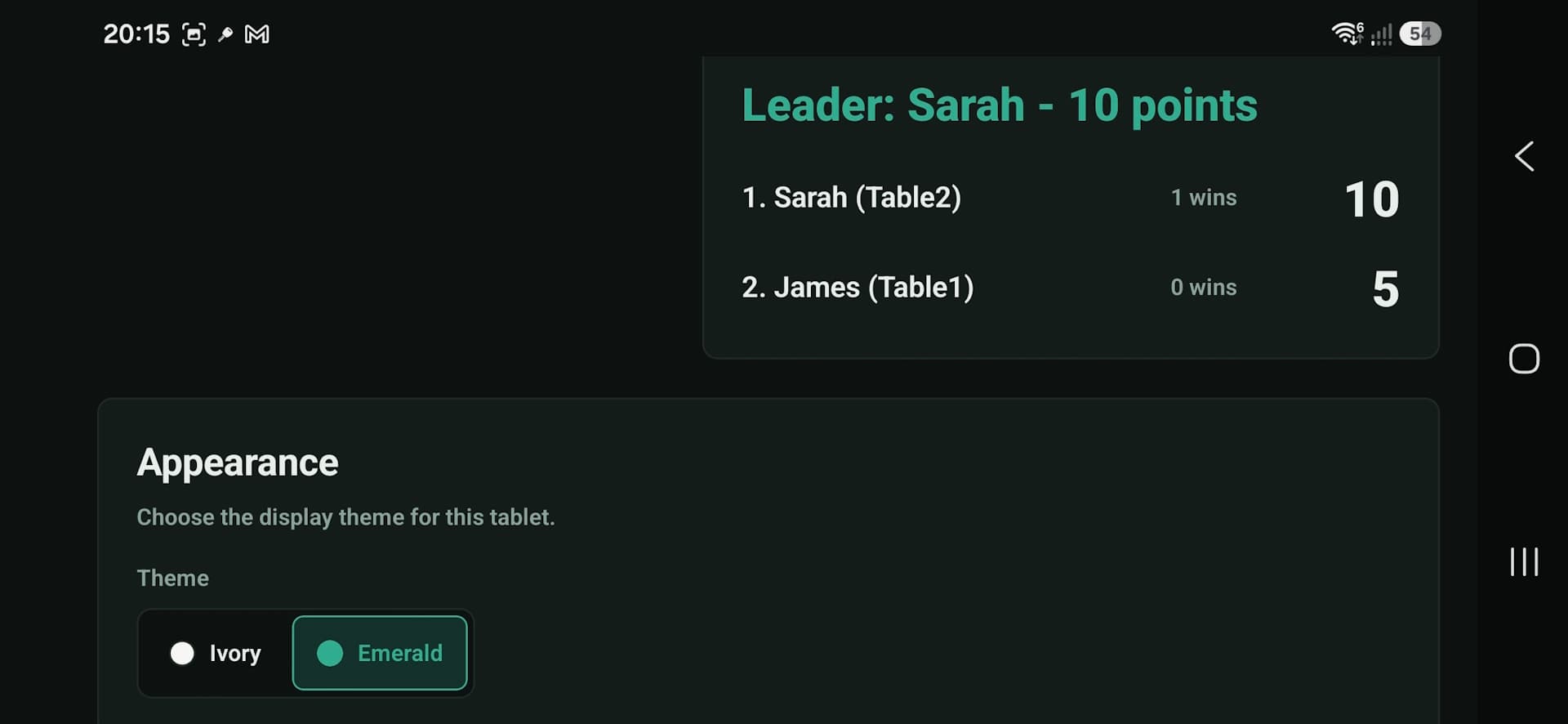
Everything the games host needs in one landscape workspace
Set up the venue, open registration, create fixtures, record scores, show the live board, and preserve completed events.
No app download between the player and the game
Customers scan the displayed QR code, check the event details, enter their name or team, and receive a clear confirmation.
Fast enough for a pub queue
The same phone page later shows relevant fixtures, players, and live standings. The host remains responsible for official scores.
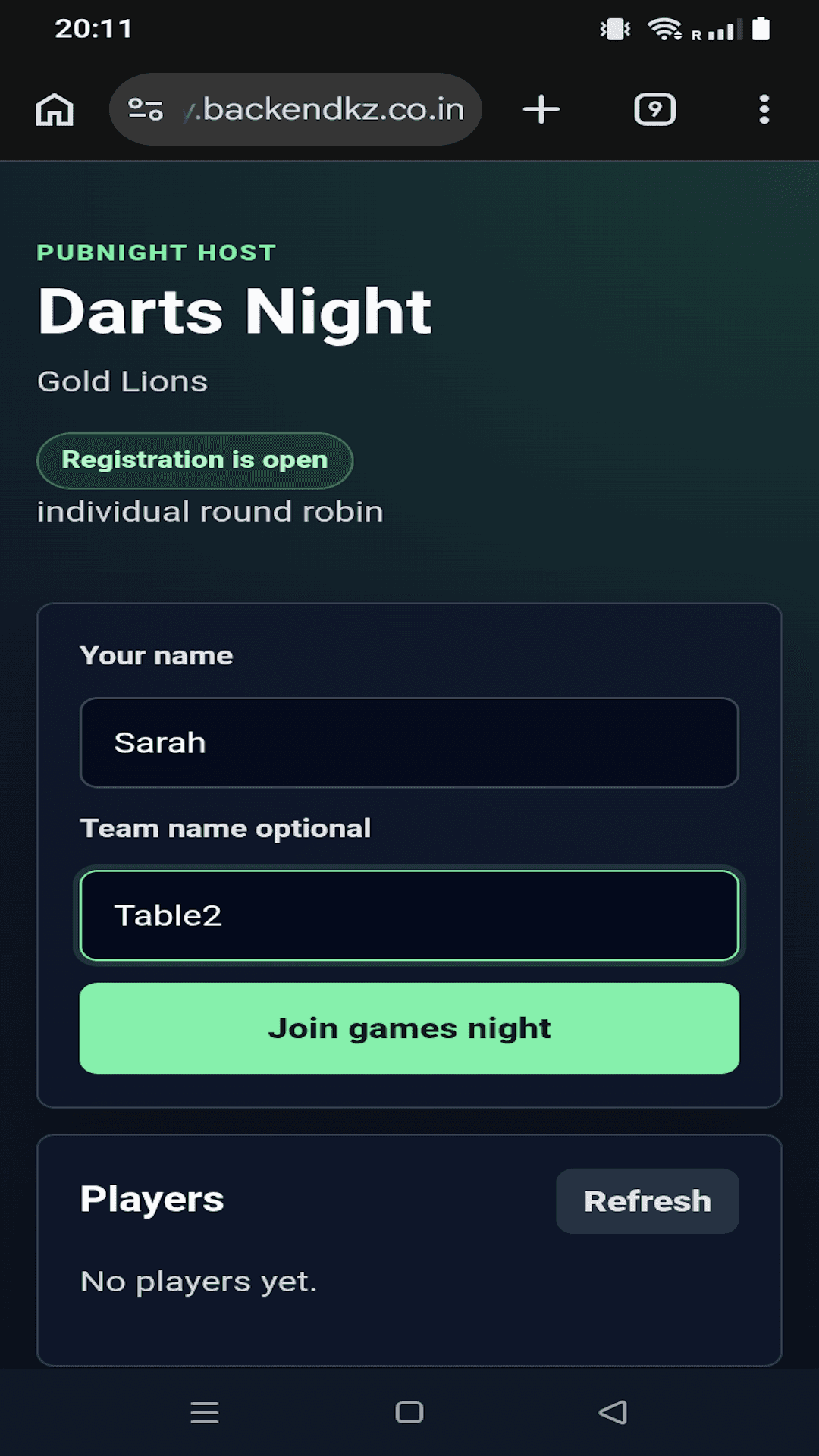
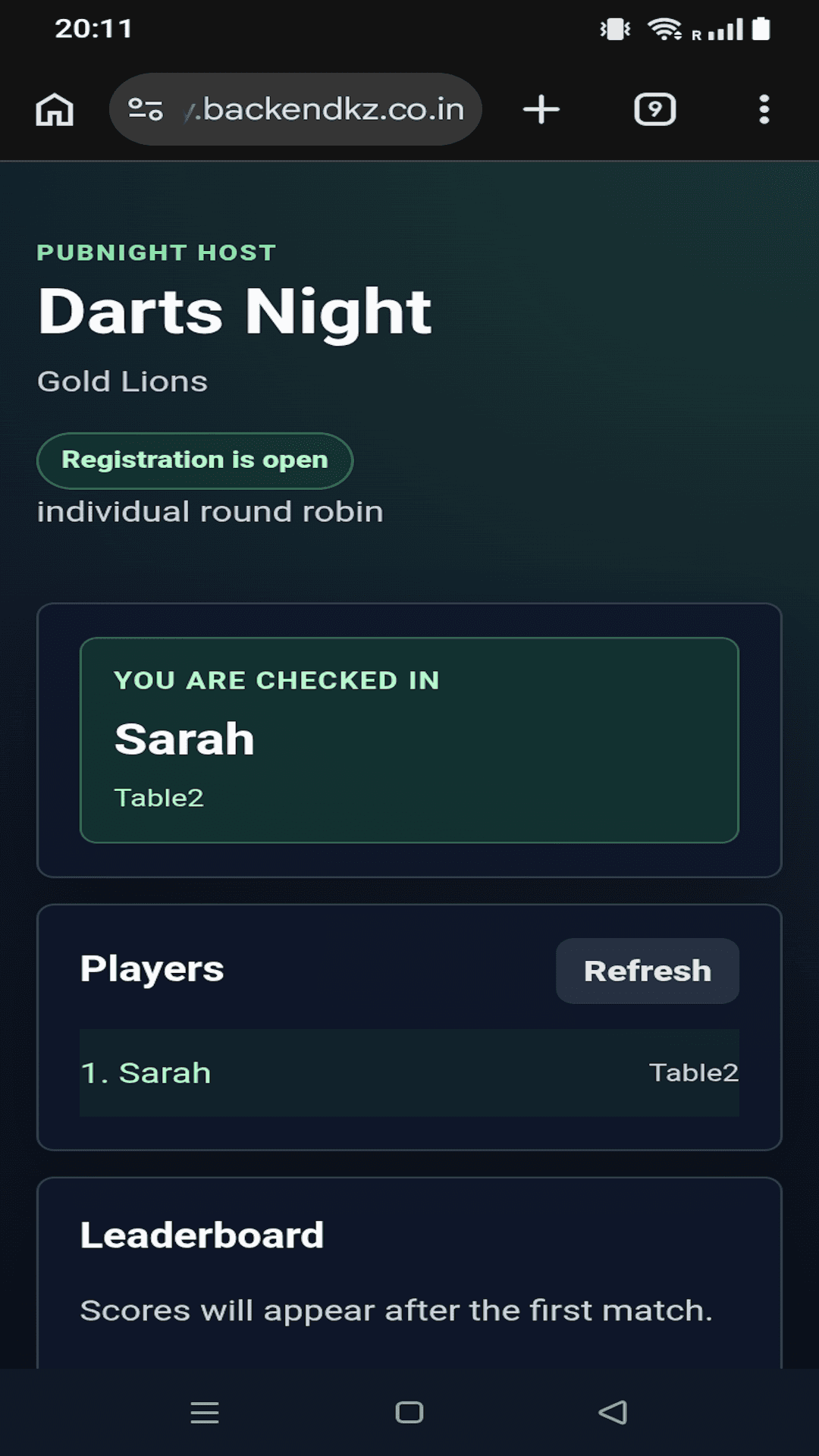
From opening registration to archived results
The workflow is designed so a member of staff can understand what happens next without managing separate tools.
- 1
Choose the game, format, and event name on the host tablet.
- 2
Open registration and show the player QR code on the tablet or TV.
- 3
Check player and team names, then generate round-robin or knockout fixtures.
- 4
Enter each official result while phones and the TV update automatically.
- 5
Finish the event, confirm the winner, and keep the results in the archive.
Built for the weekly rhythm
Finished nights become read-only records with the final leaderboard, every result, the winner, and a results QR code players can scan later.
Visible progress
Live leaderboards give every match context and give regular players a reason to follow the event through to the end.
Familiar pub games, without locking the venue into one format
Use a built-in game type or name a custom event, then choose the competition structure that suits the room.
A practical reference for setup, every games night, and troubleshooting
The downloadable guide covers first-time setup, TV connection, player joining, fixtures, scoring, knockout rounds, archiving, subscriptions, and safe operation.
PubPlay Guide for Pub Owners and Staff
Keep a copy available to the owner and games host before the first event. The file opens in Microsoft Word, WordPad, LibreOffice, and other RTF-compatible editors.
The practical details
A few essentials to make the system easy to evaluate before the first event.
Do players need to install an app?
No. Players scan the event QR code and join from a mobile web page. No player account is required.
Does the tablet need to be connected to the TV?
No HDMI connection is needed. The tablet and TV use their own internet connections and the TV opens a secure browser display.
Which tournament formats are supported?
PubPlay supports individual round robin, team round robin, and knockout tournaments, including automatic handling of knockout byes.
Can a pub correct a score?
Yes. The host can update a saved result while the event is still in progress. Finished and archived events are read-only.
Need a SaaS platform with a mobile host and live web experience?
PubPlay demonstrates a synchronized product spanning an authenticated Android host, QR-based player web app, public TV display, tournament rules, live event state, subscriptions, and a shared backend.
Add a mobile app to an existing web platform
PubPlay shows why mobile, web, display, account, and backend responsibilities need clear boundaries when several interfaces share one live workflow.
Explore the mobile companion decision guideTurn it into the event customers expect next week.
Explore demos, pricing, guides, and support on the PubPlay website, install the host app, or speak with Samuel Cascadia about a UK rollout.
Digital platforms for pubs and entertainment venues
Explore the wider engineering pattern behind venue control, player web access, live event state, and public displays.
Explore the venue platform guide