
ExpenseFlow Smart Tracker
ExpenseFlow is a local-first Android expense tracker for quick daily entries, monthly budgets, spending categories, and simple financial review.
Watch The App
See the product in action, then watch the lighter explainer version.
ExpenseFlow in action
A direct product walkthrough for people who want to see the daily expense flow before installing.
The alien explains ExpenseFlow
A lighter explainer that makes the app easier to remember after the first visit.
Overview
ExpenseFlow is a focused personal finance app for people who want quick daily expense logging without spreadsheet overhead or account setup.
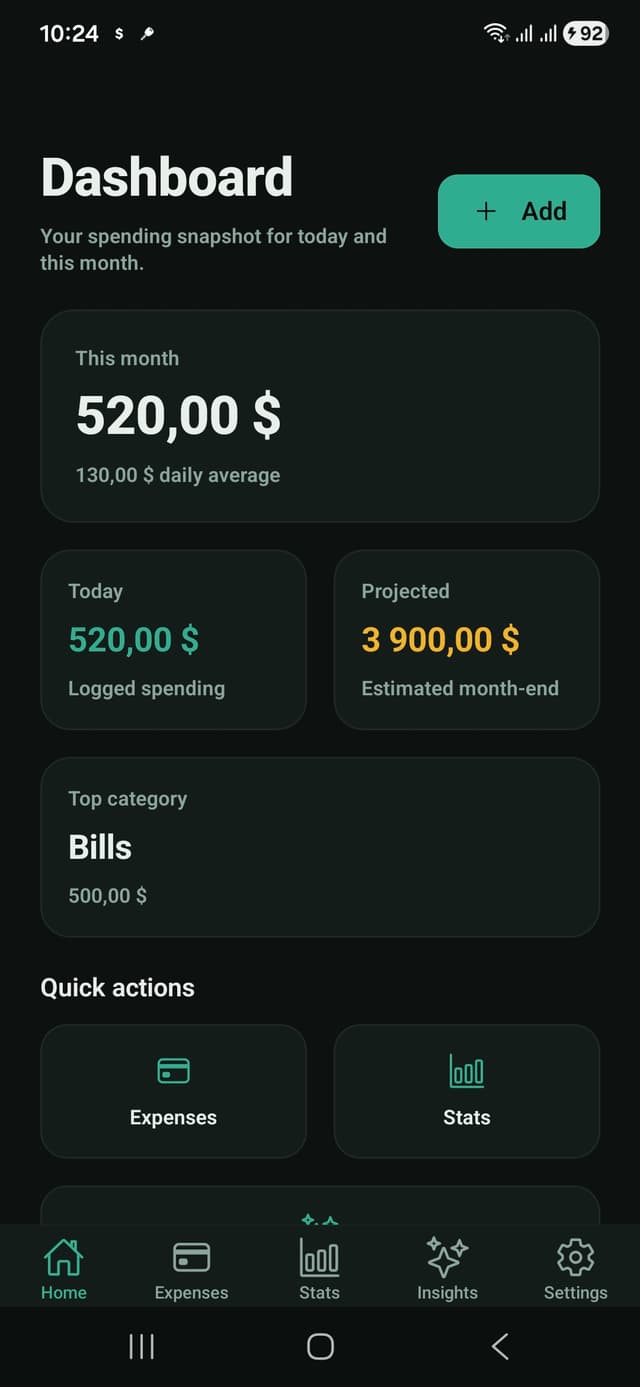
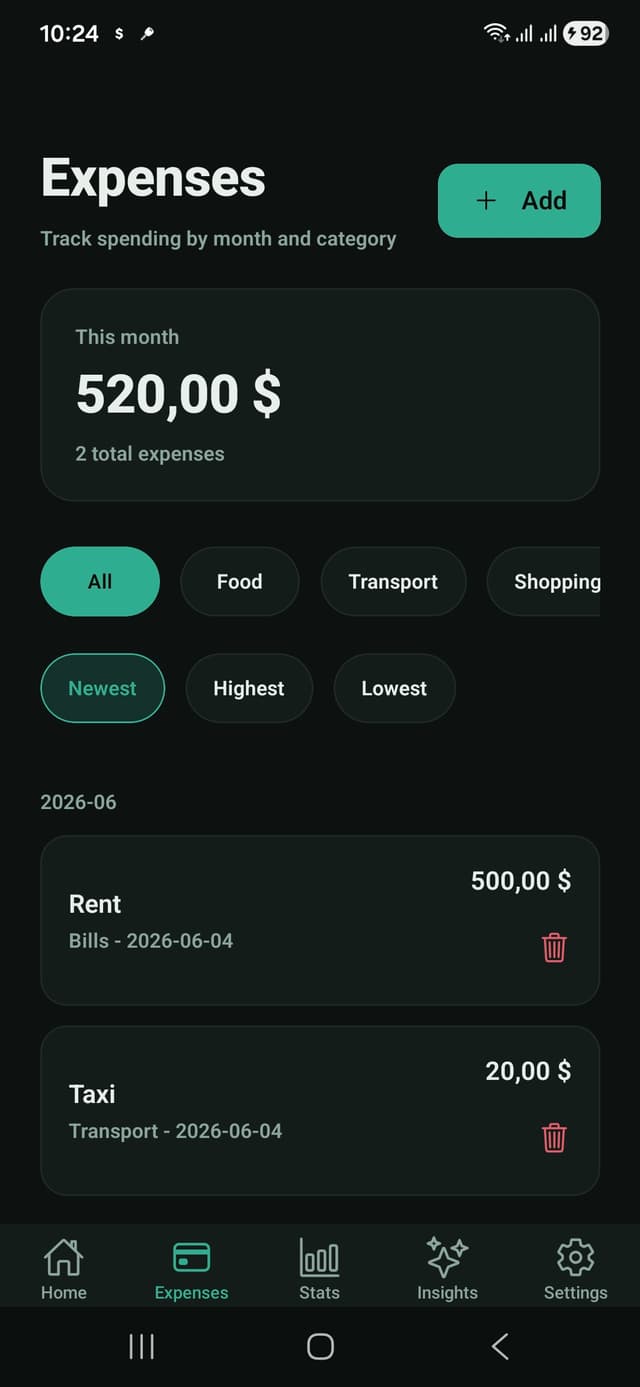
The app highlights this month spending, today spending, projected month-end spend, top category, and a searchable expense list.
Core Features
- Fast expense entry with amount, category, title, and date.
- Monthly filters and sorting by newest, highest, or lowest spend.
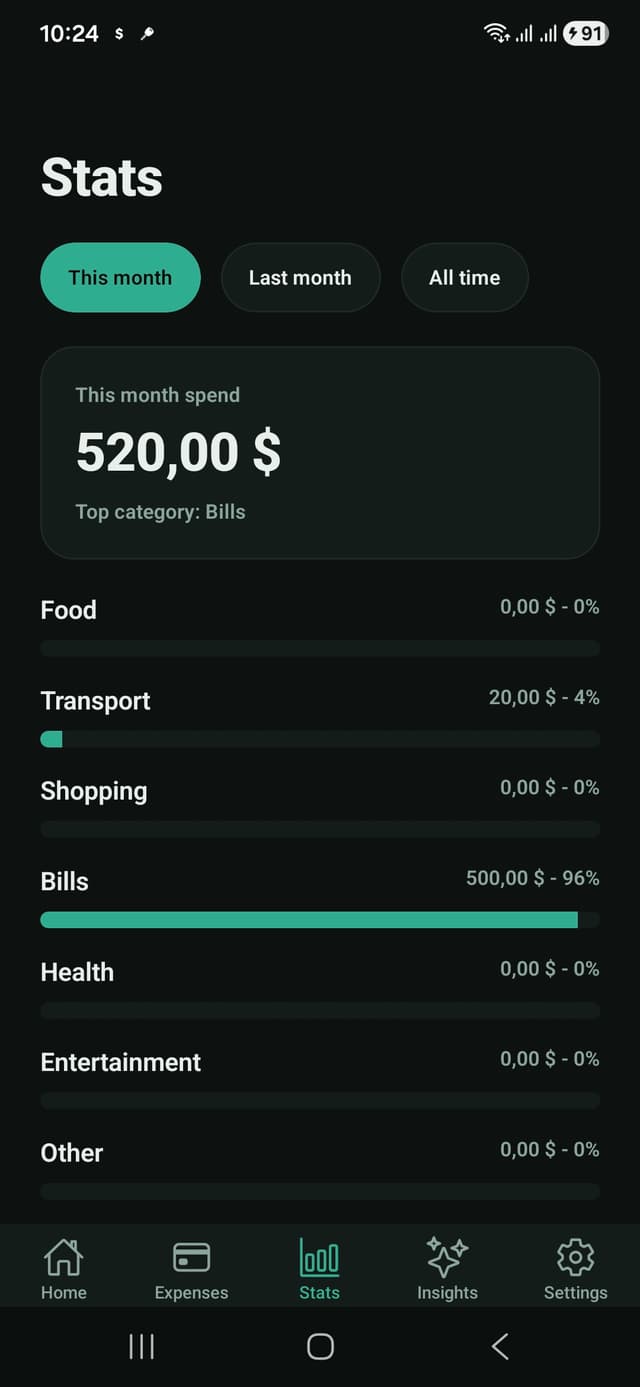
- Category breakdowns for food, transport, shopping, bills, health, and more.
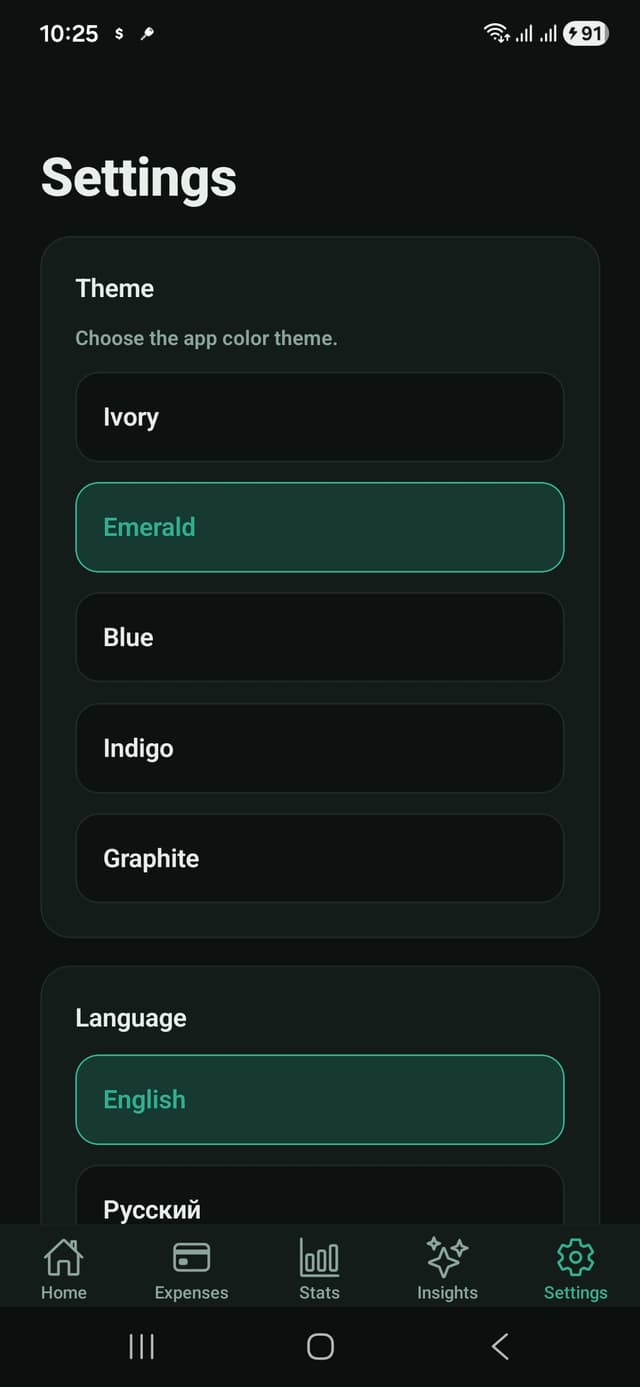
- Theme and language settings for a more personal interface.
Product Approach
The interface keeps the most important numbers visible first, then moves into categories, individual transactions, and insights.
The dark emerald visual system is designed for repeated daily use: high contrast, clear actions, and dense but readable mobile cards.
Technical Notes
- Built with Expo, React Native, and TypeScript.
- Shared mobile core for theming, layout, persistence, and i18n.
- RevenueCat integration available for premium features.
- Release configuration includes Android optimization and resource shrinking.
Best for
- People who want fast daily spending logs without spreadsheets.
- Users who prefer a private budget tracker with local-first storage.
- Anyone who wants monthly category insight without connecting bank accounts.
- Android users who need a clean finance app for repeated everyday use.
Use cases
- Log groceries, transport, shopping, bills, health, and personal spending.
- Review month-to-date spending and spot the top category quickly.
- Filter and search expenses when checking where money went.
- Keep expense tracking lightweight while traveling or managing cash.
Why it works
- No account setup before the first entry.
- Clear dashboard for monthly totals and category patterns.
- Compact Android screens that keep entry friction low.
- Local-first approach keeps personal spending history under user control.
Questions people ask
Is ExpenseFlow for personal or business spending?
ExpenseFlow is primarily for personal daily spending and simple monthly review. It is best for users who want quick logging, categories, and trends without accounting software.
Does ExpenseFlow require a bank connection?
No. ExpenseFlow is designed for manual, private expense tracking without linking a bank account.
Can I use ExpenseFlow as a simple budget tracker?
Yes. It helps you see month-to-date spending, categories, and recent expenses so you can adjust your budget decisions.
Is my expense history sent to the developer?
The app page and privacy policy describe a local-first approach. Expense entries are not used as a developer-side data feed.
Building an application with challenges similar to ExpenseFlow Smart Tracker?
ExpenseFlow demonstrates compact financial data entry, category modelling, monthly aggregation, local persistence, and clear reporting for a frequently repeated mobile workflow.