
StudyFlow Flashcards
Study smarter with focused decks, spaced repetition, recall stats, and calm daily review.
Overview
StudyFlow is a focused flashcard app for building knowledge through short, repeatable review sessions instead of long cramming sessions.
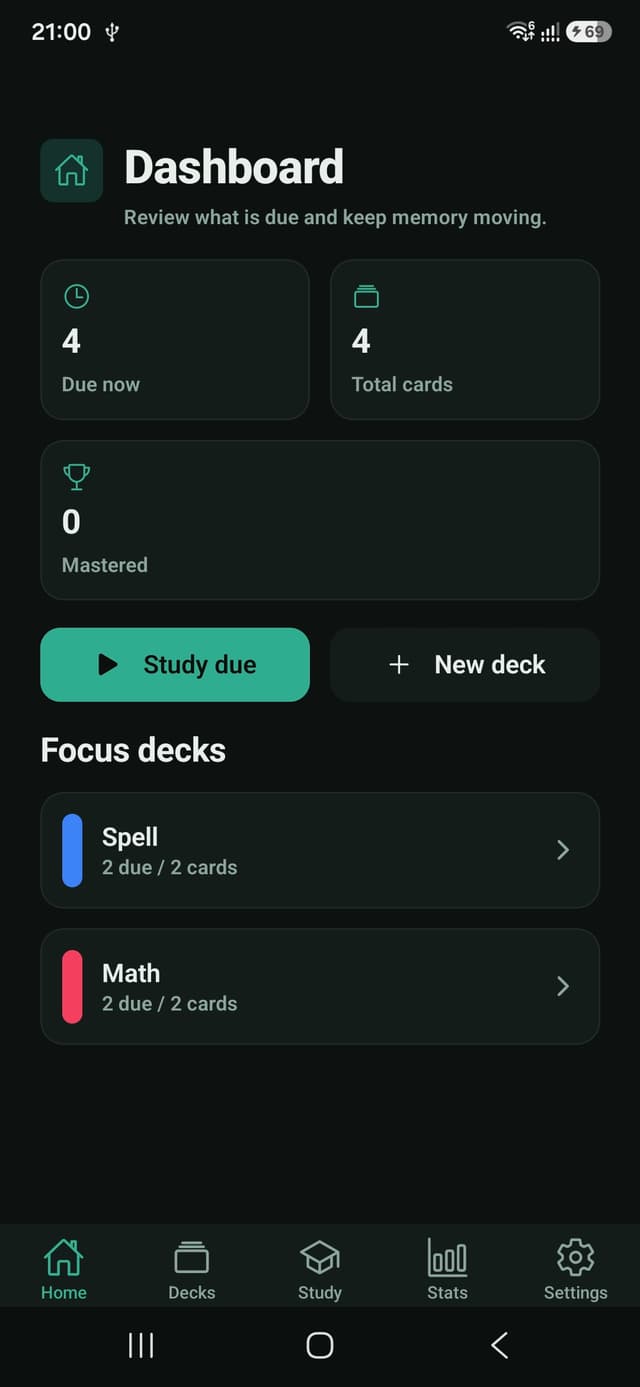
The dashboard keeps due cards, total cards, mastered cards, and the next useful study action visible at a glance.
Core Features
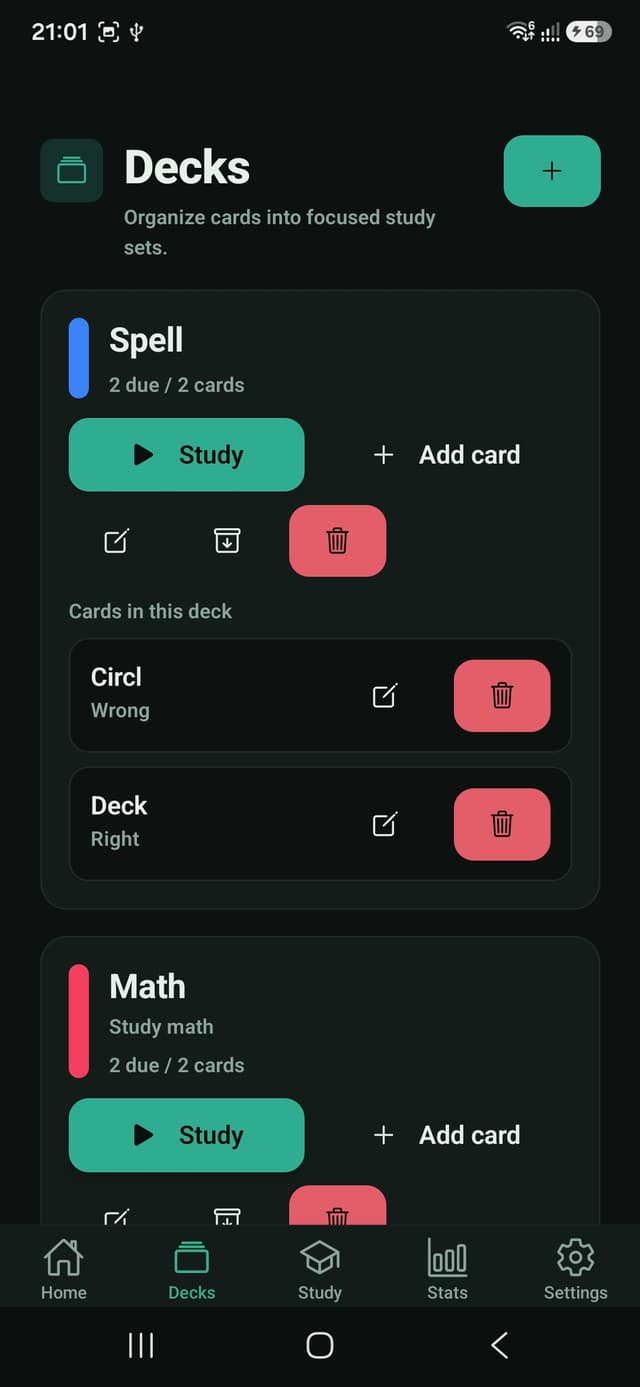
- Create, edit, archive, restore, and delete focused decks.
- Add flashcards with front, back, and optional hints.
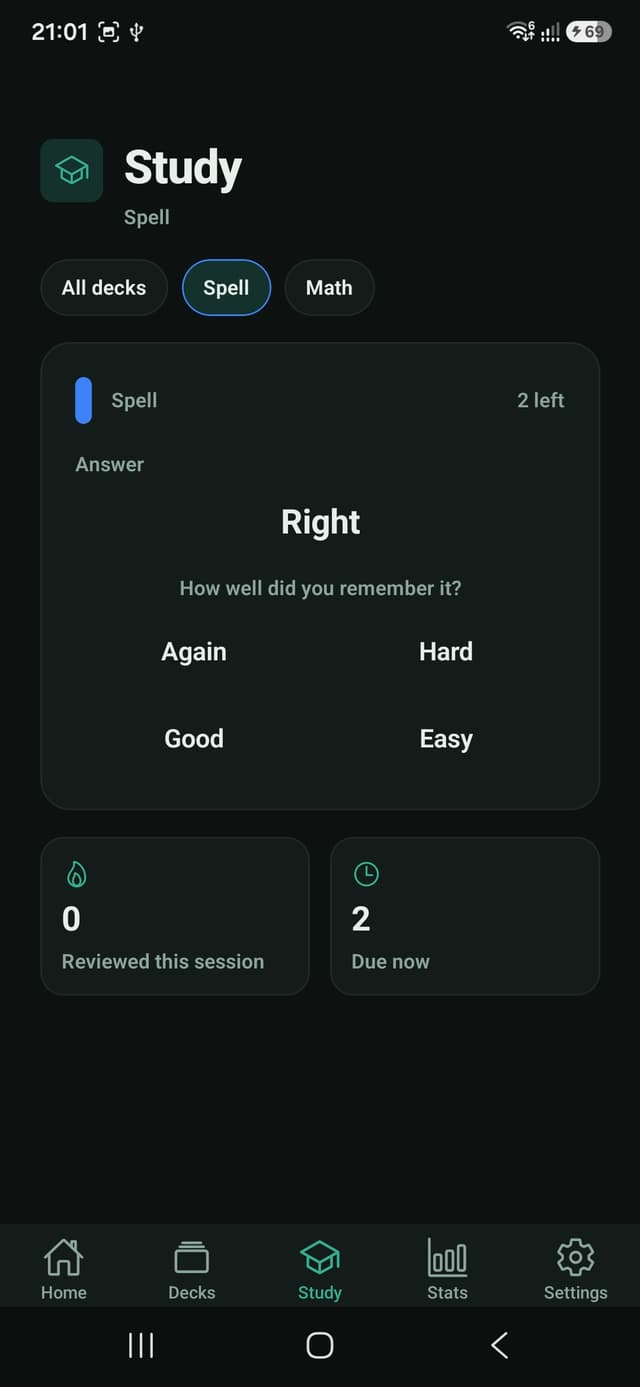
- Review with Again, Hard, Good, and Easy recall ratings.
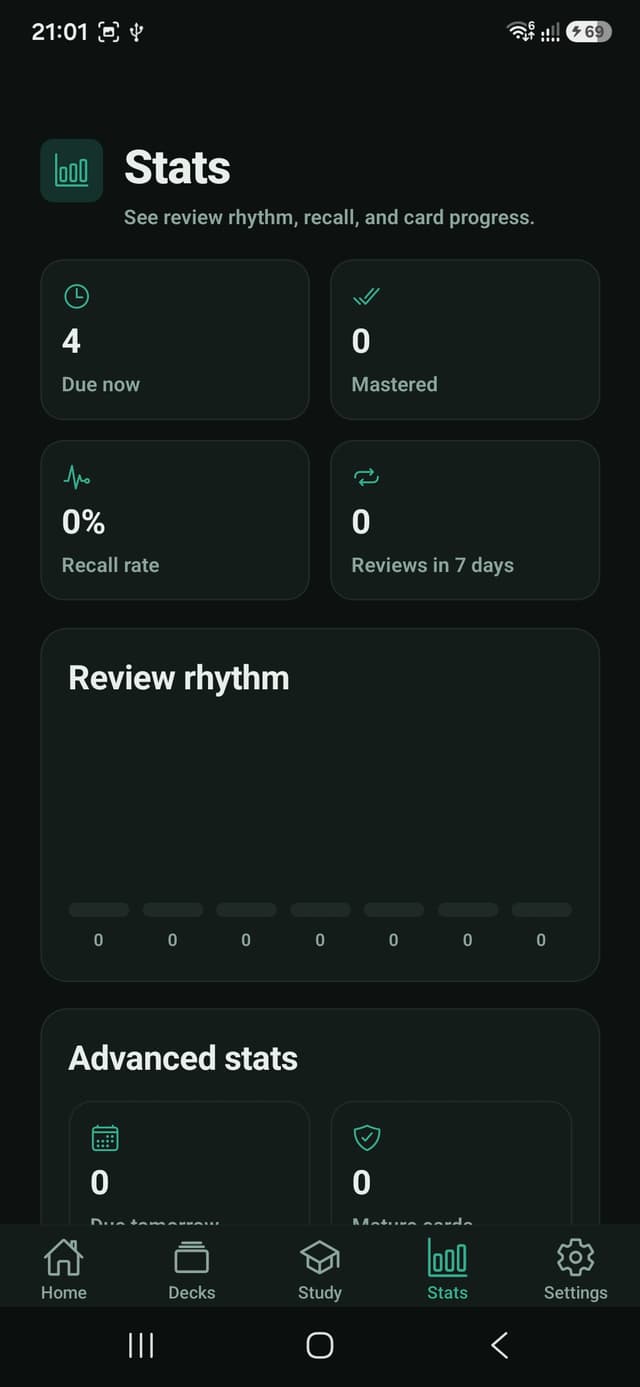
- Track due cards, mastered cards, recall rate, and review rhythm.
- Use practice mode without changing the learning schedule.
Study Approach
Each answer changes when a card becomes due again. Difficult cards return sooner, while remembered cards gradually move into longer intervals.
Lifetime Pro adds unlimited decks and cards, advanced difficulty insights, and optional daily study reminders with one purchase.
Technical Notes
- Built with Expo, React Native, and TypeScript.
- Local-first persistence for decks, cards, settings, and review history.
- Ten interface languages and five visual themes.
- Optional on-device notifications for daily study reminders.
- Google Play Billing and RevenueCat support for Lifetime Pro.
Best for
- Students preparing for exams in short daily sessions.
- Language learners building vocabulary decks.
- People memorizing formulas, definitions, facts, or professional terms.
- Android users who prefer local study data without an account.
Search intent
This page is built around the real phrases people use when they need this kind of Android app.
Use cases
- Create focused decks for subjects, courses, languages, or certifications.
- Review only the cards that are due instead of rereading an entire deck.
- Rate recall as Again, Hard, Good, or Easy to shape the next review.
- Check review rhythm, recall rate, mature cards, and difficult cards.
Why it works
- Spaced review keeps sessions short and purposeful.
- Local-first storage keeps decks and review history on the device.
- Clear due counts make the next study action obvious.
- Ten interface languages and multiple themes support comfortable daily use.
Questions people ask
How does StudyFlow schedule flashcards?
After revealing an answer, you rate it Again, Hard, Good, or Easy. StudyFlow uses that response and the card's review history to choose when it becomes due again.
Can StudyFlow be used offline?
Yes. Decks, cards, preferences, and review history are stored locally on the Android device. Internet access is only needed for purchase-related services.
Does StudyFlow require an account?
No. You can create decks and study without registering an account or sending your flashcard content to the developer.
What does Lifetime Pro unlock?
Lifetime Pro unlocks unlimited decks and cards, advanced recall and difficulty statistics, daily study reminders, and future Pro study tools through one purchase.
Need a custom application?
Fullstack Dev KZ builds custom mobile apps, web applications, backend APIs, SaaS products, and business software using the same production-focused approach.