
Docs Scan OCR Encrypt & Share
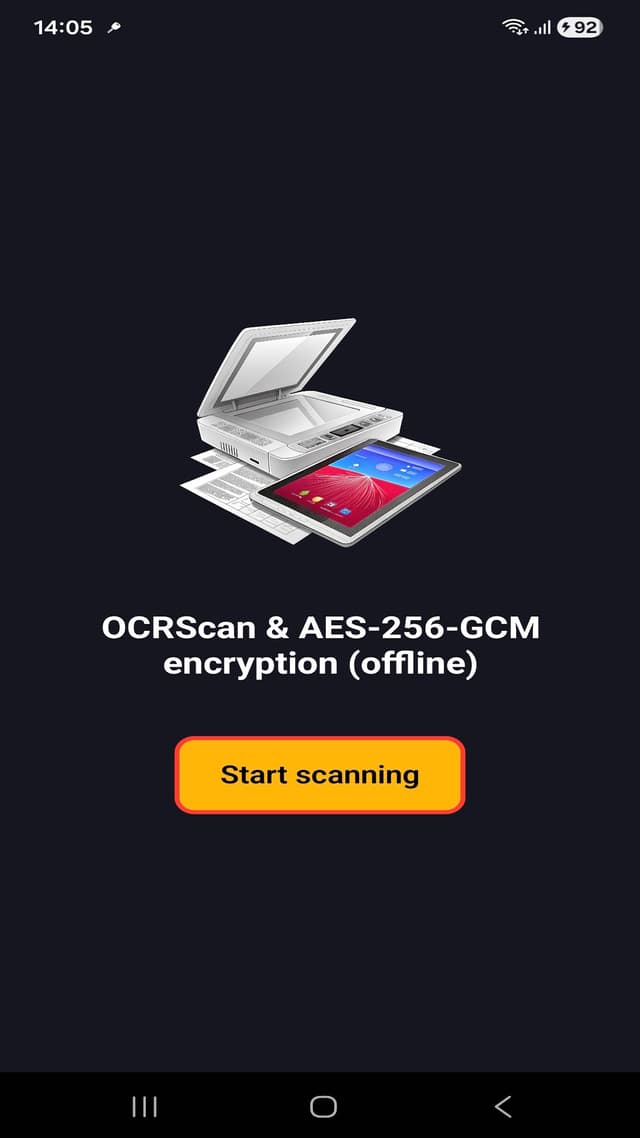
Docs Scan OCR is a privacy-first Android scanner with on-device recognition, encrypted exports, local vault storage, and secure document workflows.
Watch The App
See the product in action, then watch the lighter explainer version.
Docs Scan OCR in action
A direct walkthrough of scanning, on-device OCR, encrypted export, and local vault workflows.
The alien explains Docs Scan OCR
A lighter explainer for visitors who need to remember why private OCR matters.
Overview
Docs Scan OCR Encrypt & Share is a privacy-first Android scanner for capturing documents, recognizing text offline, and protecting files before they leave the device.
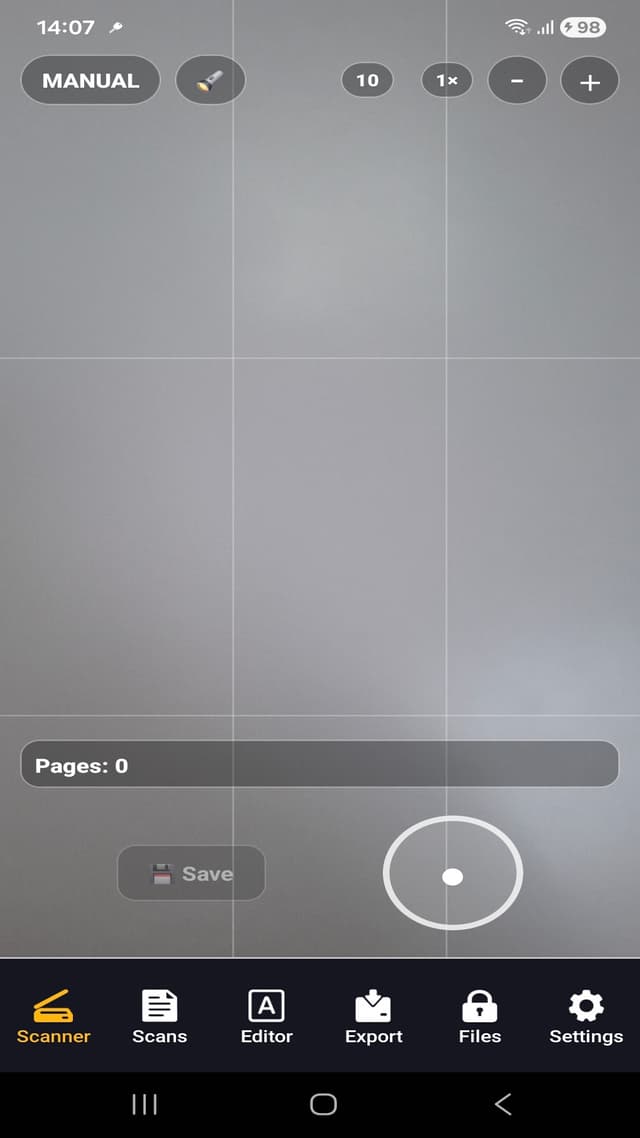
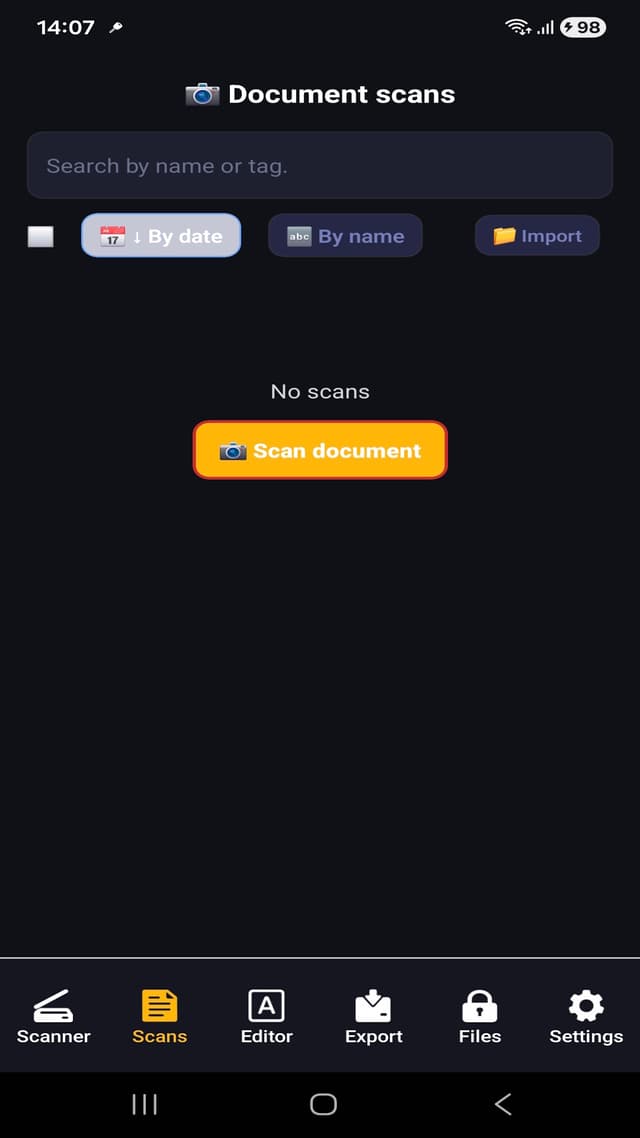
The app supports scan and import flows, document cleanup, local OCR, encrypted sharing, and private vault-style storage.
Core Features
- Scan or import images and PDFs, then enhance and recognize text.
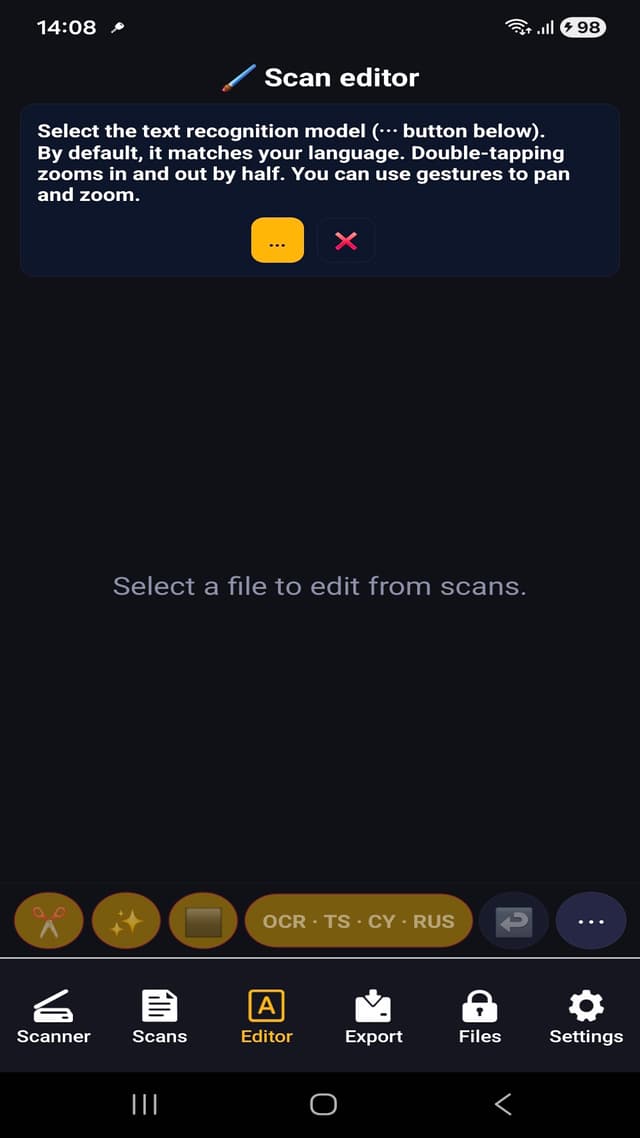
- Run OCR locally with ML Kit and Tesseract language packs.
- Export text, PDF, DOCX, images, or encrypted files.
- Receive documents privately through Android share intents.
- Use vault storage, auto-lock, and temporary-file cleanup.
Product Approach
Many scanner apps depend on cloud OCR. This app is designed for sensitive documents and low-connectivity workflows where recognition and file handling need to stay on the device.
The flow combines practical scanning speed with defensive handling of clear files, encrypted exports, and screenshot prevention on sensitive screens.
Technical Notes
- Built with Expo, React Native, TypeScript, and Expo Router.
- ML Kit text recognition with bundled unbundled model packs.
- Tesseract Android native module for additional OCR scripts.
- AES-256-GCM vault encryption via react-native-quick-crypto.
- SecureStore, biometric unlock, screen-capture controls, and file wipers.
Best for
- Privacy-conscious users who do not want cloud OCR.
- Field teams that need fast scan, OCR, and export workflows.
- Legal, finance, and healthcare users handling sensitive documents.
- Anyone who needs encrypted document sharing from Android.
Use cases
- Scan documents and recognize text on device.
- Export text, PDF, DOCX, images, or encrypted files.
- Keep sensitive scans in a private vault.
- Use OCR in low-connectivity or privacy-sensitive environments.
Why it works
- On-device OCR reduces dependence on cloud services.
- Encrypted export supports safer sharing.
- Vault storage and temporary-file cleanup improve privacy posture.
- Multiple OCR engines support broader document types and scripts.
Questions people ask
Does Docs Scan OCR require cloud OCR?
No. The page describes an on-device OCR pipeline for privacy-sensitive workflows.
Can scanned documents be encrypted?
Yes. The app supports encrypted files and vault-oriented document handling.
Who needs a private OCR scanner?
Anyone scanning contracts, invoices, IDs, medical documents, or internal business files may prefer on-device OCR and encrypted sharing.
Does it work for business workflows?
Yes. The app targets field teams, SMBs, and privacy-sensitive professional workflows.
Building an application with challenges similar to Docs Scan OCR Encrypt & Share?
Docs Scan OCR demonstrates React Native integration with native OCR engines, camera and file workflows, cryptography, biometric access, protected storage, and privacy-sensitive mobile UX.